
Every business owner fears the same thing during a move. Lost hours, missed calls, and frustrated clients. So how can you minimize downtime during an office move? The short answer is early planning and the right moving team. It just takes early preparation and clear, well-planned steps. A typical office move can pause work for a few hours or a few days. It depends on how you plan it. Small delays add up fast when your staff cannot access files or phones. This guide breaks down real steps that keep your business running smoothly. No fluff, just practical advice you can use today.
What Does Downtime Mean in an Office Move?
Downtime is any time your team cannot work normally. This includes lost internet access at the new site. It includes missing equipment that has not arrived yet. It also includes confused staff who do not know where to sit or plug in their laptop.
Downtime can be short or it can stretch across several days. A missing cable can pause one person for an hour. A broken server can pause the whole office for days. Even small gaps add up fast when clients are waiting on calls or emails. Knowing this early helps you plan around the real risks instead of just the obvious ones.
Why Planning Early Changes Everything
Most downtime problems start with poor planning. Teams wait too long to book movers. They forget to test internet at the new site. They pack without labels. Starting early gives you room to fix mistakes before they cost you real business hours.
Planning also lets you spread tasks across weeks instead of days. You avoid the last-minute rush that causes broken equipment and missing boxes. A relaxed pace means fewer errors on moving day. This alone answers a big part of how can you minimize downtime during an office move without adding extra cost.
Early planning also gives your team time to ask questions. People feel less stressed when they know what is coming. Stress often leads to mistakes, and mistakes lead to delays. A calm team moves faster and works better once they settle into the new space.
Build a Realistic Moving Timeline
A clear timeline keeps everyone on the same page. It also stops small tasks from piling up at the end.
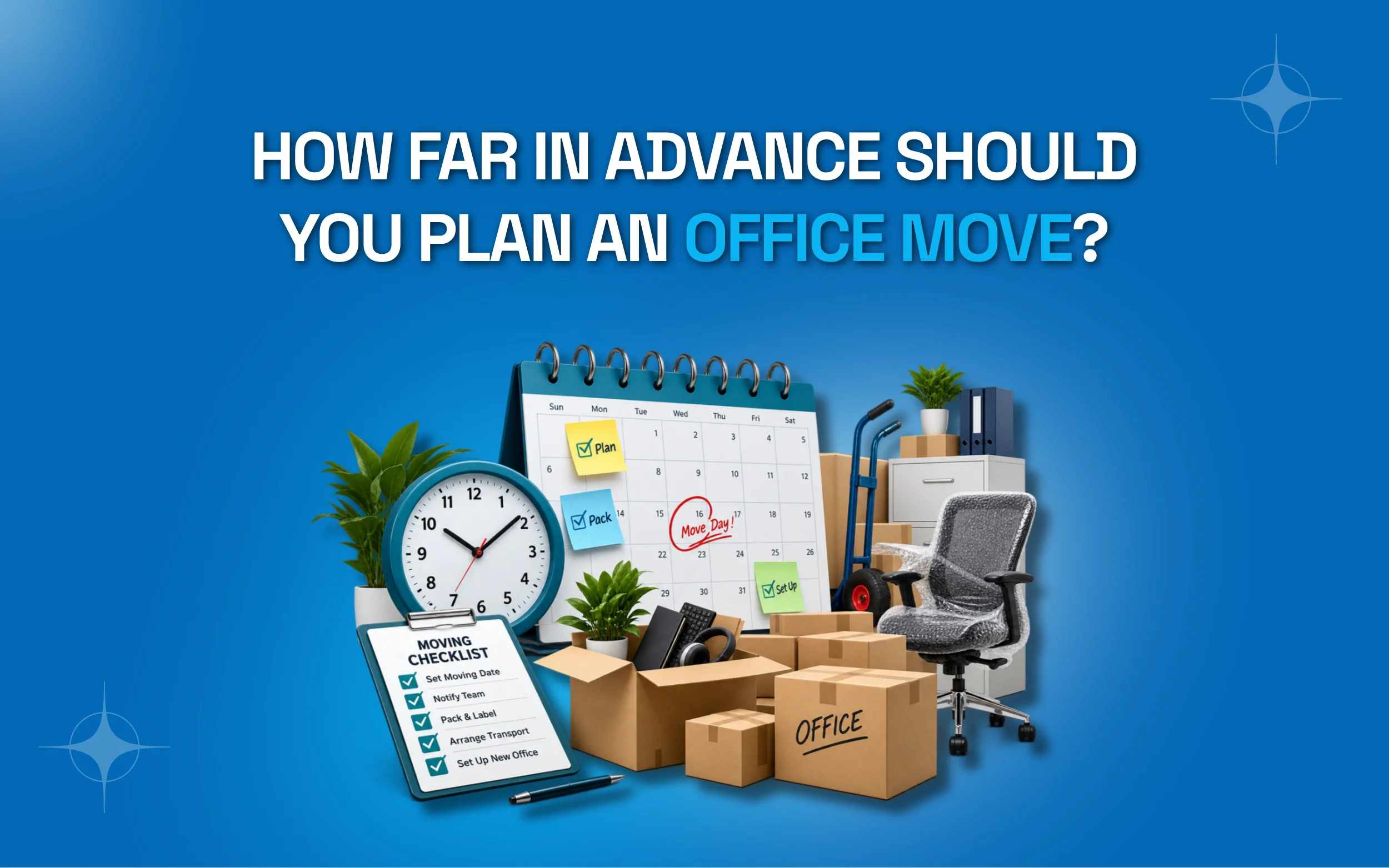
8 weeks before: Pick a moving date and inform your landlord. Start collecting quotes from moving companies.
6 weeks before: Create a floor plan for the new office. Share it with your team early.
4 weeks before: Begin packing non-essential items. Label every box by room and department.
2 weeks before: Confirm internet and phone setup at the new location. Test everything twice.
1 week before: Pack desks and personal items. Back up all important files.
Moving day: Assign one person to manage the move and answer questions.
A timeline works best when it is shared with the whole team, not just management. When everyone knows the schedule, fewer questions pop up at the last minute. This keeps the whole process smoother from start to finish.
Choose the Right Moving Date
The date you pick can make or break your downtime. Moving on a busy weekday often means longer disruption. Weekends and slow business periods work much better for most offices. Think about your industry cycle too. Retail businesses should avoid holiday seasons. Accounting firms should skip tax season. Picking a quiet period gives your team room to adjust without losing important business.

Choose the Right Moving Team for the Job
Not every moving company handles office relocations well. Some only deal with homes. You need a team that understands equipment, timelines, and business needs.
|
Factor |
DIY Move |
Professional Movers |
|
Time needed |
High | Low |
|
Risk of damage |
Higher |
Lower |
|
Staff involvement |
Full team pulled from work |
Minimal disruption |
|
Insurance coverage |
Often none |
Usually included |
| Cost | Lower upfront |
Higher upfront, saves time |
Professional movers who specialize in business relocations often have the tools and experience to move fast. This directly helps minimize downtime during an office move since your staff can stay focused on actual work instead of packing tape and boxes.
Back Up Your Data Before Anything Else
Your files and systems are the heart of your business. Never move without a full backup plan. Start by backing up everything to the cloud or an external drive. Confirm your IT team has copies of critical software licenses. Check that servers are properly shut down and labeled. This step protects you if anything gets damaged in transit.
Data loss during a move can shut down operations for days. That is far worse than a few hours of physical downtime. Treat this step as non-negotiable no matter how small your office is. Many companies also keep a printed copy of key passwords and network settings. This sounds old fashioned, but it saves time if a laptop gets lost in transit. A little redundancy goes a long way during a hectic move.
Label Everything Before Moving Day
Labels save time. That is the simple truth. When boxes are marked clearly, unpacking becomes fast and organized.
- Label boxes by department, not just room number
- Use color-coded stickers for quick sorting
- Mark fragile items with clear warnings
- Number cables and match them to devices
- Keep a master list of what is in each box
Skipping labels might feel like a time saver. In reality, it creates more confusion later. Workers waste hours searching for basic supplies. That directly increases downtime instead of reducing it.
Move in Phases Instead of All at Once
Moving everything in one single day sounds efficient. It often backfires. A phased move spreads the risk and keeps parts of your business running. Start by moving non-essential departments first. Test the new space with a small team before the full staff arrives. Move critical systems like servers during off hours or weekends. This staggered approach means your business never fully stops.
Many companies that move in phases report smoother transitions overall. Staff stays calm because they are not overwhelmed all at once. It also gives your IT team breathing room to fix issues before everyone shows up.
Communicate With Employees Early and Often
Your team needs to know what is happening and when. Silence creates confusion and confusion creates delays. Send weekly updates as the move date gets closer. Share the new office layout so people know where they sit. Explain any temporary changes to work hours or remote options. Clear communication keeps productivity steady even during a hectic transition. Consider setting up a simple chat channel just for move updates. This keeps questions in one place instead of scattered across emails. It also gives staff a quick way to flag problems as they come up.
Keep Clients and Vendors in the Loop
Your team is not the only group affected by a move. Clients and vendors need updates too. Send an email a few weeks before the move with your new address and dates. Update your website, listings, and email signatures ahead of time. Let vendors know about any delivery changes during the transition. This prevents missed shipments and confused customers who show up at the wrong door.
Set Up the New Office Before You Arrive
A little prep work at the new location saves huge time later. Waiting to set things up on move day is a common mistake. Install internet and phone lines a few days early. Test every outlet and network connection. Set up desks and chairs so staff can sit down and work right away. Doing this ahead of time means your team can start working almost immediately after arriving.
Coordinate Utilities and Services Ahead of Time
Small logistics often get overlooked until the last minute. Utilities need attention just as much as boxes and furniture. Schedule your internet and phone transfer at least two weeks early. Confirm electricity and water are active before move day. Update your mailing address with banks and important vendors. Handling these small tasks early prevents awkward gaps in service once your team starts working from the new space.
Create a Temporary Workspace If Needed
Sometimes a full move cannot happen overnight. In these cases, a temporary workspace helps bridge the gap.
- Set up a small remote work option for key staff
- Use a shared coworking space for urgent meetings
- Keep one phone line active during the transition
- Allow flexible hours for employees affected by the move
A temporary setup is not perfect, but it keeps the business alive while the main office gets ready. Even a partial solution beats a full stop in operations.
Test Everything Before Going Live
Do not assume equipment works just because it is plugged in. Testing prevents surprises on the first real work day.
- Test internet speed at multiple points in the office
- Check that phone lines connect properly
- Confirm printers and scanners are working
- Log into shared drives to check access
- Run a quick video call to test conferencing tools
A short testing phase before staff arrives can save an entire day of frustration. It answers a key part of how can you minimize downtime during an office move without spending extra money.
Understand Insurance and Liability
Office equipment can be expensive to replace. Understanding your coverage before the move protects your budget. Check what your current insurance covers during transport. Ask your moving company about their liability policy. Some offer basic coverage while others offer full value protection. Knowing this ahead of time avoids stressful surprises if something breaks.
Use Technology to Track the Move
Simple tools can make a big difference on a busy moving day. A shared spreadsheet or project board helps everyone see the status of each task at a glance.
- Use a shared checklist app for real-time updates
- Create a group chat for quick questions during the move
- Track boxes with a simple barcode or number system
- Share a digital floor plan so movers know where things go
These small tech habits reduce the back-and-forth that usually slows things down. When everyone can see the plan, fewer people ask the same questions twice.
Calculate the Real Cost of Downtime
Many business owners underestimate what downtime actually costs. Knowing the real number helps you decide how much to invest in a smooth move.
Lost work hours: Multiply your average hourly revenue by the hours your team cannot work.
Missed sales: Delayed calls and emails can push potential clients toward a competitor instead.
Overtime costs: Staff often need paid extra hours afterward to catch up on delayed tasks.
Client trust: Repeated service gaps can damage relationships built over months or years.
Recovery time: A rushed move often creates more cleanup work than a planned one.
Protect Physical Equipment During Transport
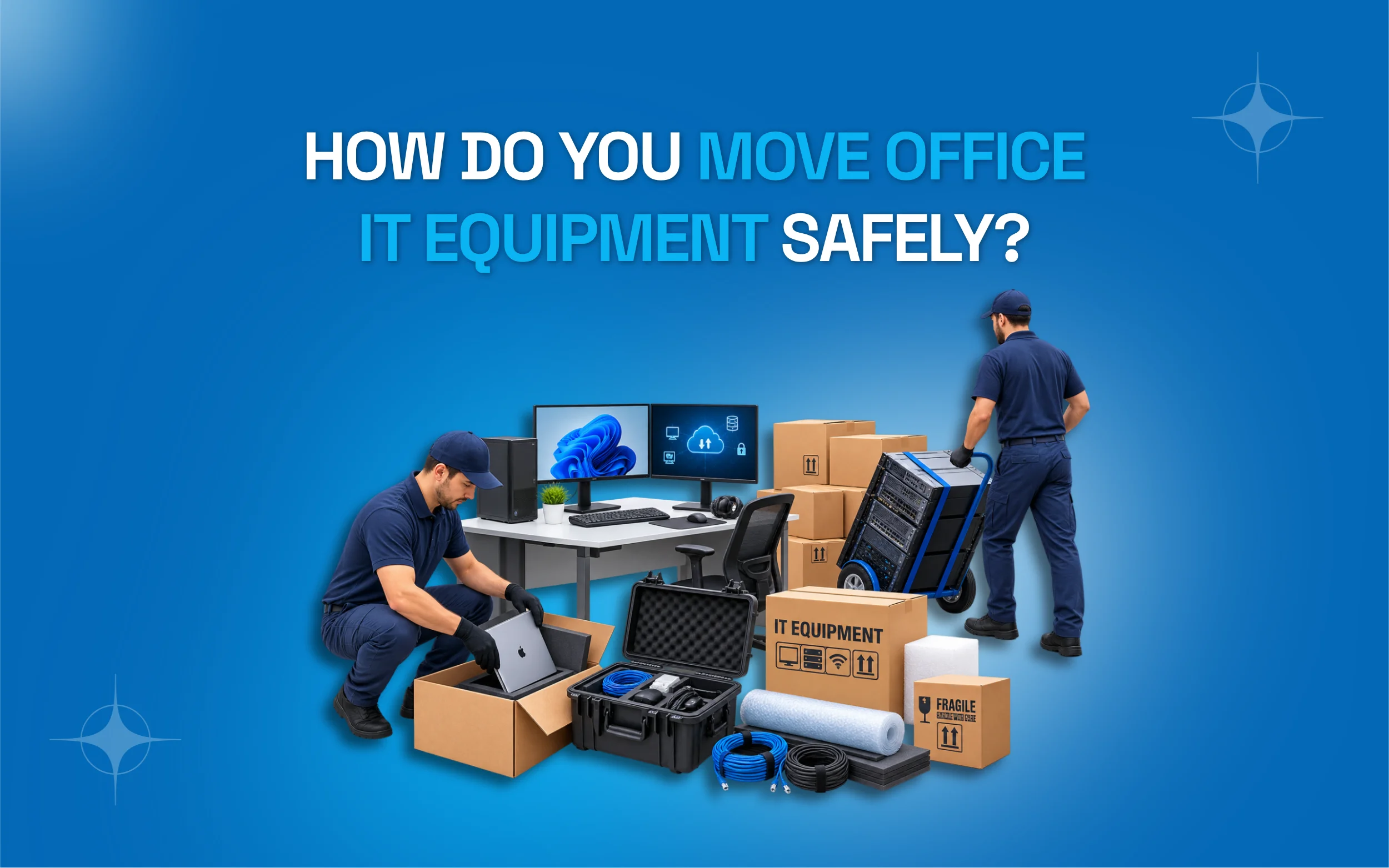
Broken equipment adds delay on top of delay. Protecting your gear properly avoids this extra headache.
- Use original boxes for computers and monitors when possible.
- Wrap fragile items in bubble wrap or moving blankets.
- Keep chargers and cables together with the matching device.
- Transport servers upright and secured to prevent damage.
- Avoid stacking heavy boxes on top of electronics.
Taking these extra steps costs very little time but saves a lot of frustration later. A damaged printer or server can delay work far longer than the move itself.
Train Staff on the New Office Setup
A new office often means new systems, new door codes, or new parking rules. Staff need a quick walkthrough before jumping into full work mode. Host a short orientation on the first day at the new location. Show staff where supplies, restrooms, and break areas are located. Walk through any new security or entry procedures. This small step prevents confusion that can eat up an entire morning.
Gather Feedback After the Move
Once the dust settles, ask your team what worked and what did not. This feedback helps you plan better for future moves. Send a short survey a week or two after the move. Ask about any lingering issues with equipment or workspace setup. Use the answers to fix small problems before they become bigger ones. This step also shows employees that their experience matters to the company.

Common Mistakes That Increase Downtime
Many businesses repeat the same errors during a move. Learning from them can save you real time and money.
Booking movers too late: This limits your options and often costs more money in the end.
Skipping client notifications: Missed calls and confused customers can hurt your business reputation fast.
Ignoring data backups: Lost files can cause delays far worse than any physical moving issue.
Forgetting to label boxes: Staff waste hours searching for basic supplies after the move.
Not testing new office systems: Broken internet or phones on day one stall the whole team.
How Professional Movers Help Reduce Business Interruption
Hiring experts changes the entire moving experience. They bring equipment, manpower, and knowledge that most in-house teams simply do not have. Skilled movers know how to pack fragile electronics safely. They understand how to load trucks so nothing shifts during transport. Many offer flexible scheduling, including nights and weekends. This helps you move without pausing regular business hours. If you want a team that specializes in this kind of relocation, commercial moving services can handle the heavy lifting so your staff can focus on actual work.
Consider the Benefits of a Well-Planned Move
A smooth move does more than save a few hours. It protects your reputation with clients and keeps your team motivated.
- Employees stay productive instead of frustrated
- Clients notice little to no service interruption
- Equipment stays safe and functional
- The new office feels ready from day one
- Your business avoids unexpected costs from delays
These benefits show why the planning steps in this guide are worth the effort. A little extra work upfront pays off many times over once the move is complete.
Assign a Move Coordinator
One person should own the entire process from start to finish. Without a clear leader, tasks slip through the cracks. This coordinator tracks the timeline and answers questions from staff. They also act as the main contact for the moving company on the actual day. Having one point person cuts down on confusion and keeps decisions moving fast.
Plan for the First Week After the Move
The move itself is not the finish line. The first week matters just as much.
- Keep IT support on standby for quick fixes
- Check in with staff daily to catch small issues
- Fix any lingering internet or phone problems fast
- Watch for equipment that still needs adjusting
- Note any recurring complaints for a longer-term fix
Small hiccups are normal, but staying alert helps you fully minimize downtime during an office move even after the boxes are unpacked.
Keep a Digital Copy of Your Moving Plan
Paper checklists can get lost in the chaos of moving day. Keeping a digital backup ensures everyone can access the plan from any device. Save your timeline, floor plan, and contact list in a shared cloud folder. Share access with your coordinator, IT team, and moving company ahead of time. This way, if a physical copy gets misplaced, nothing critical is lost. It also makes it easy to update the plan quickly if something changes at the last minute.
Plan for Bad Weather and Delays
Weather and traffic can throw off even the best plan. Building in a buffer day helps you stay on track.
- Check the forecast a week before your move date
- Have a backup plan ready for delayed trucks
- Keep an emergency kit with snacks and water
- Add one buffer day to your overall timeline
- Confirm a backup mover contact in case of issues
A little preparation here avoids a full day of lost work if something goes wrong.
Keep a Positive Mindset Through the Process
Moves are stressful, but a calm attitude spreads through the whole office. Leadership sets the tone for how staff react to bumps along the way. Celebrate small wins, like finishing the packing early or setting up the new break room. Recognize staff who help keep things organized. A positive environment keeps energy high even when things get messy. This mindset shift often makes the biggest difference in how smooth the move actually feels.
A Quick Checklist Before Moving Day
Use this short list to confirm you are ready before the trucks arrive.
- Data backed up and verified
- New office internet and phones tested
- Boxes labeled by department
- Staff informed of new seating plan
- Movers confirmed with exact time and address
- Emergency contact list shared with the team
Conclusion
Moving an office does not have to mean lost days and stressed staff. With early planning, clear labels, and the right moving partner, you can keep your business running smoothly through the entire process. The key is starting early and testing everything before your team walks through the new door.
Every step in this guide works together to answer one question. How can you minimize downtime during an office move? From backing up data to setting up the new space early, small actions add up to a big difference. Businesses that plan ahead almost always move faster and get back to normal work sooner. Ready to make your next office move stress-free? Get a free quote from a trusted moving team today and start planning your timeline before the rush begins.
Frequently Asked Questions
How long does an average office move take?
Most office moves take one to three days depending on size. Larger offices with more equipment may need a full week. Planning ahead can shorten this window significantly and keeps your team back to work sooner.
What is the best day to move an office?
Weekends or holidays work best since fewer employees are affected. This gives IT teams time to set up systems before the workweek starts. It also avoids disrupting client calls and delivery schedules during busy hours.
How Can You Minimize Downtime During an Office Move?
Start planning weeks in advance and back up all data early. Set up the new office before moving day and test everything twice. Hiring professional movers also speeds up the entire process from start to finish.
Should I hire professional movers for an office relocation?
Yes, professional movers bring experience with equipment and timelines. They reduce the risk of damage and often finish faster than in house teams. This helps your business return to normal sooner without added stress.
How do I protect data during an office move?
Back up all files to the cloud or external drives before the move. Confirm servers are shut down properly and labeled clearly. Keep IT staff involved throughout the entire process so nothing gets missed along the way.
What should employees do on moving day?
Employees should pack personal items and label them clearly. They should also confirm their new seating and equipment beforehand. Clear instructions reduce confusion once everyone arrives at the new office location.
How far in advance should I start planning an office move?
Most experts suggest starting six to eight weeks before the move date. This gives enough time to book movers and test the new location. Early planning is the biggest factor in reducing downtime for any size business.
If you want to know: How Far in Advance Should You Plan an Office Move? Your Complete Timeline Guide